
UX/UI Design
UI/UX Design
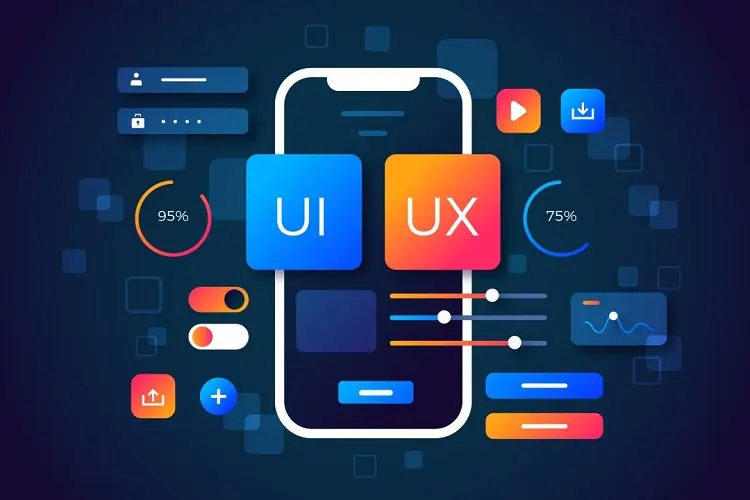
UI/UX Design focuses on creating products that provide meaningful and relevant experiences to users. UI (User Interface) deals with visual layout and interactivity, while UX (User Experience) is about the overall journey and satisfaction of the user.
Difference Between UI and UX
UI is about how a product looks—colors, typography, buttons—while UX is about how it works and feels. UX focuses on solving user problems efficiently, and UI ensures the solution is visually appealing and easy to interact with.
- User Research and Personas
- User research involves understanding user behavior, needs, and motivations through interviews, surveys, and data.
- Creating personas helps represent different user types, guiding design decisions to improve usability.

Wireframing and Prototyping
Wireframes are basic visual layouts that outline the structure of a page. Prototypes are interactive models that simulate the final product. Both are used to plan and test before actual development begins.
Information Architecture (IA)
Information Architecture is the practice of organizing and structuring content so users can find information easily. Clear navigation, categorization, and labeling are key parts of IA.
Usability Principles
Good usability ensures a product is simple, intuitive, and efficient to use. Nielsen’s 10 Usability Heuristics are a common framework that includes rules like feedback, consistency, and error prevention.
Interaction Design (IxD)
Interaction Design focuses on how users interact with a product through elements like buttons, gestures, animations, and responses. It ensures that users feel in control and confident while using the interface.
Design Thinking Process
Design Thinking is a user-centered problem-solving approach involving five stages: Empathize, Define, Ideate, Prototype, and Test. It encourages innovation and iterative improvement in design.
Accessibility in Design (a11y)
Accessible design ensures that digital products can be used by people with disabilities. This includes using readable fonts, alt text for images, keyboard navigation, and color contrast for visual clarity.
Mobile-First and Responsive Design
Designing for mobile devices first ensures that core functionalities are prioritized. Responsive design uses flexible layouts and breakpoints so interfaces work well on all screen sizes and devices.
UI Design Tools Overview
Popular tools like Figma, Adobe XD, Sketch, and InVision are used for wireframing, prototyping, and collaboration.
These tools allow designers to build high-fidelity interfaces with real-time feedback.
Typography in UI Design
Typography affects readability, visual hierarchy, and user experience.
Choosing the right fonts, sizes, spacing, and line heights contributes significantly to the overall design quality.
Have any Questions?
Call us Today!
Need assistance? We’re here to help with support, guidance, and resources. Reach out to us anytime.